

These are real builds, screenshares I originally shared in Slack groups and online communities when I was figuring this out in public.
No polished case studies. No "here's what AI could do" theory. Just what actually happened when I sat down and started building.
Most of these are focused on marketing and content creation, because that's the work. A few go deeper into apps and systems. All of them started with a problem I was tired of paying someone else to solve, or tired of not solving at all.
The tools have changed. Claude, NotebookLM, Remotion, Astro, whatever was the best option at the time of recording is what you'll hear me mention. That's intentional. I'm not loyal to tools. I'm loyal to getting things done.
Content Briefs with a Claude Skill
I show how I built a custom Claude Skill called Blue Ocean Brief to help marketers create stronger content briefs that go beyond “review the top 10 results and rewrite them.”
The workflow takes a topic, analyzes what the SERP is already covering, identifies gaps, suggests sharper content angles, and generates interview questions to pull better insight from clients, subject matter experts, or internal teams. The goal is to make content more original, more useful, and less like recycled AI slop.
This is especially useful for marketers who want to improve information gain, extract expert knowledge faster, and create content that actually sounds like it came from someone with experience.
Claude Skill Zip:
https://files.burgergelato.com/blue-ocean-brief-claude.zip
Video Walkthrough:
Motion Graphics with AI, No Design Skills
I show how I used AI and Remotion to turn a simple inspiration GIF into a fully custom spinning logo animation, without designing anything manually. This is a glimpse into how motion graphics for videos can be generated programmatically with just assets and prompts.
PS. My voice is low as I had a sleeping baby in my lap.
Video Walkthrough:

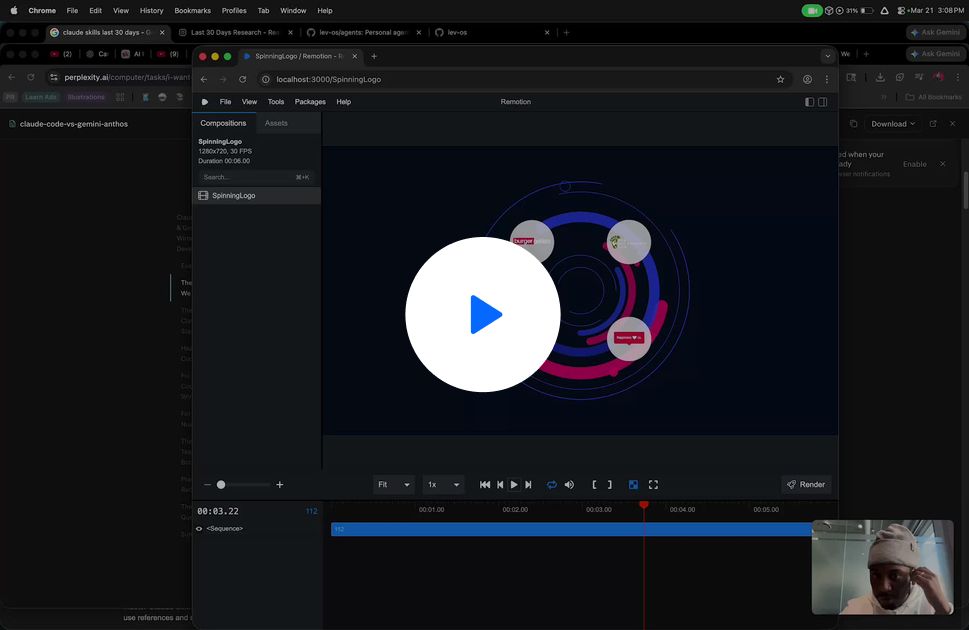
Rebuilding a Full Website from Screenshots
I walk through how I used AI to recreate an entire blog and newsletter site by simply feeding it screenshots and exported content, no manual coding required. This shows how quickly you can spin up clean, modern websites using existing designs as inspiration and AI as the builder.
Video Walkthrough:

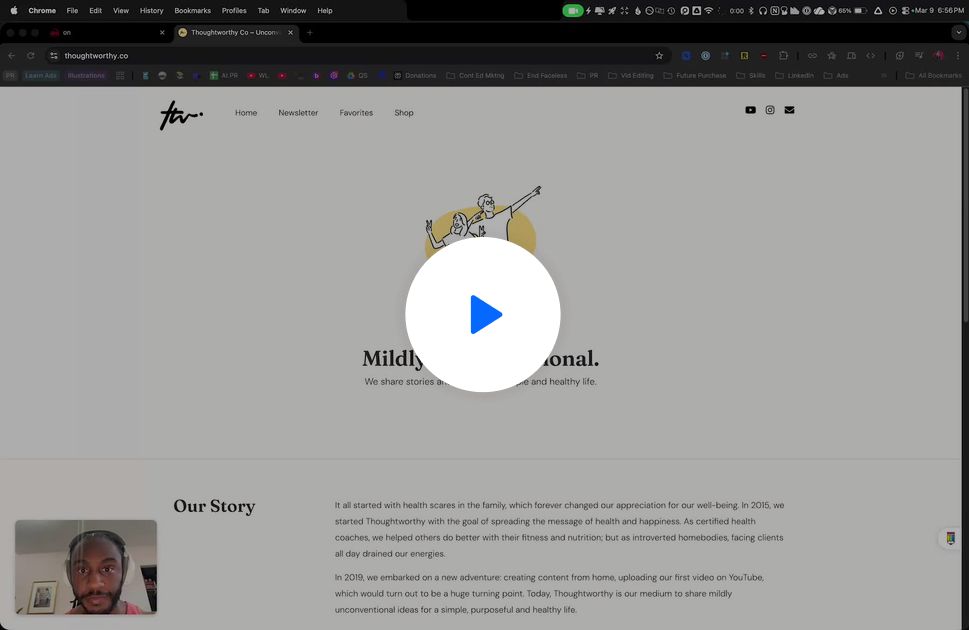
LinkedIn Ads from Swipe Files
I show how I built a simple AI workflow that takes inspiration from ad swipe files and turns them into full LinkedIn ad bundles, images, prompts, and copy included. This is an early look at how AI can rapidly generate high-quality “before vs after” style ads with minimal manual effort.
Video Walkthrough:

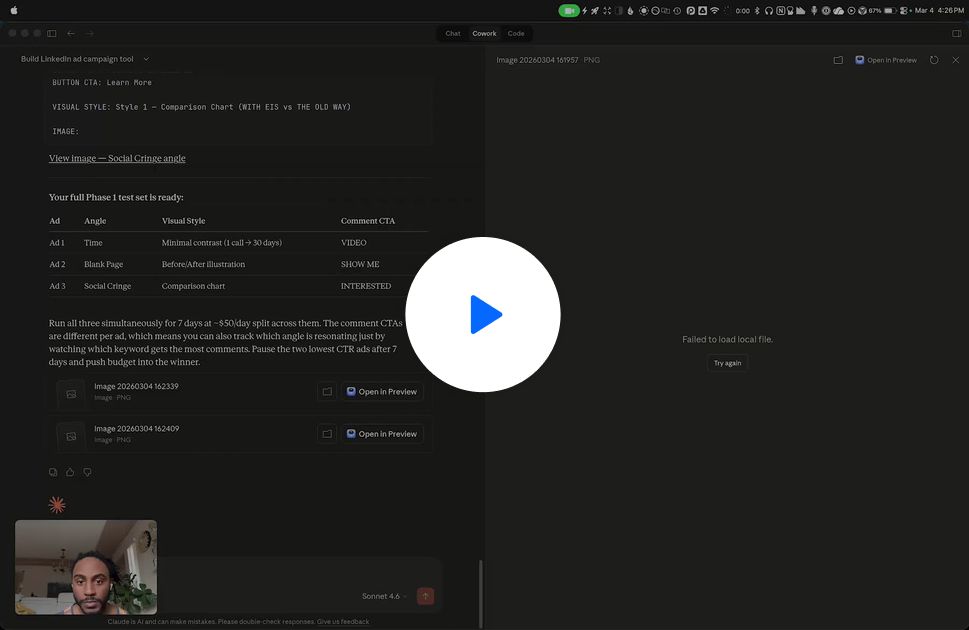
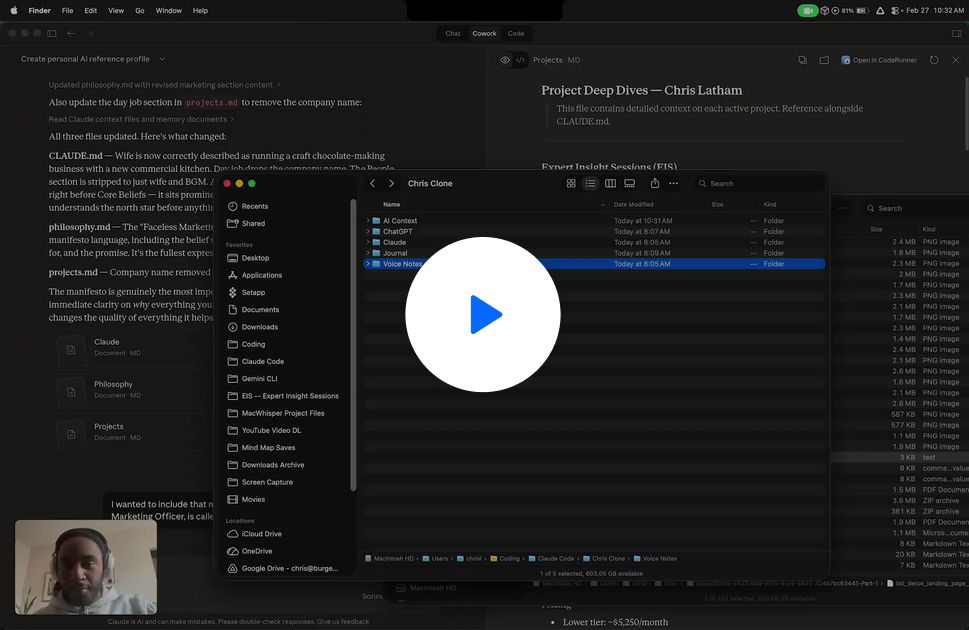
Building a Personal AI Brain Across Every Tool
I walk through an early experiment where I compiled all my chats, notes, and voice recordings into a single “Chris Clone” system that can plug into tools like Cursor, Gemini, and Claude. The goal is to create a portable AI context layer that understands how I think, what I’m building, and could eventually save massive time across workflows.
Video Walkthrough:

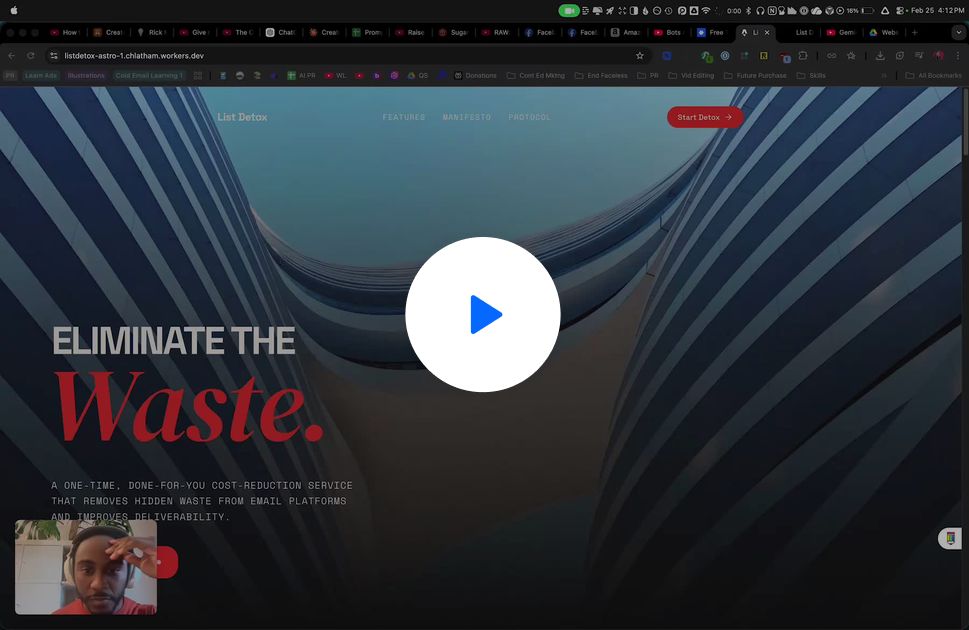
Landing Page Rebuilt in 30 Minutes
I show how I transformed a basic HTML page into a dynamic, animated landing page using AI tools like React and Astro, all from a single prompt. This is a glimpse into how quickly you can go from simple to high-end design without traditional dev work.
Video Walkthrough:

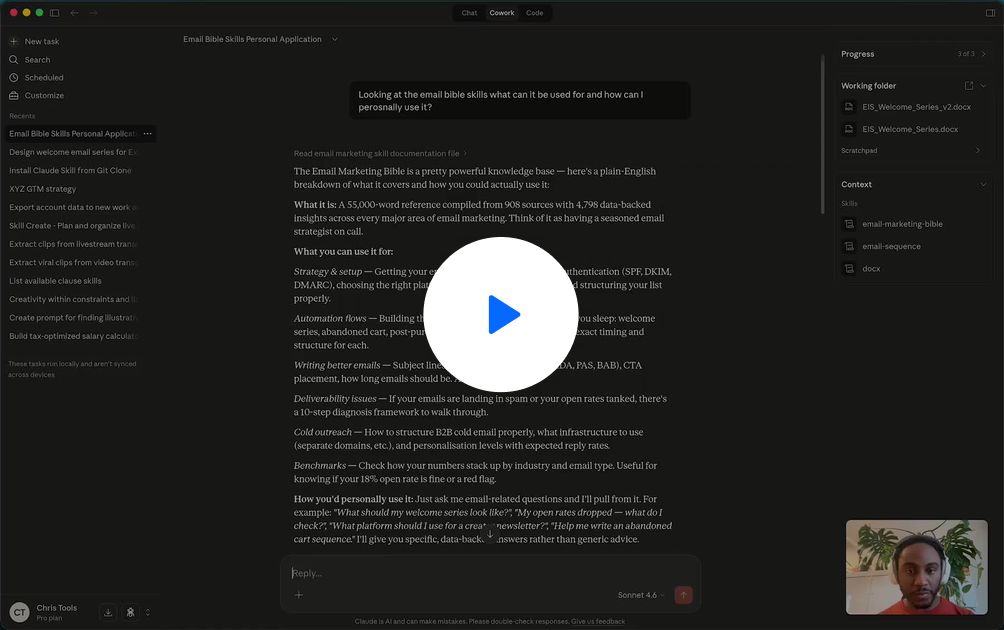
Full Email Welcome Series with AI
I walk through how I used an email marketing “skill” inside Claude to generate a complete 14-day welcome sequence, strategy, segmentation, A/B testing, and copy included. This is a powerful way to go from a blank page to a fully structured email system in minutes.
Video Walkthrough:

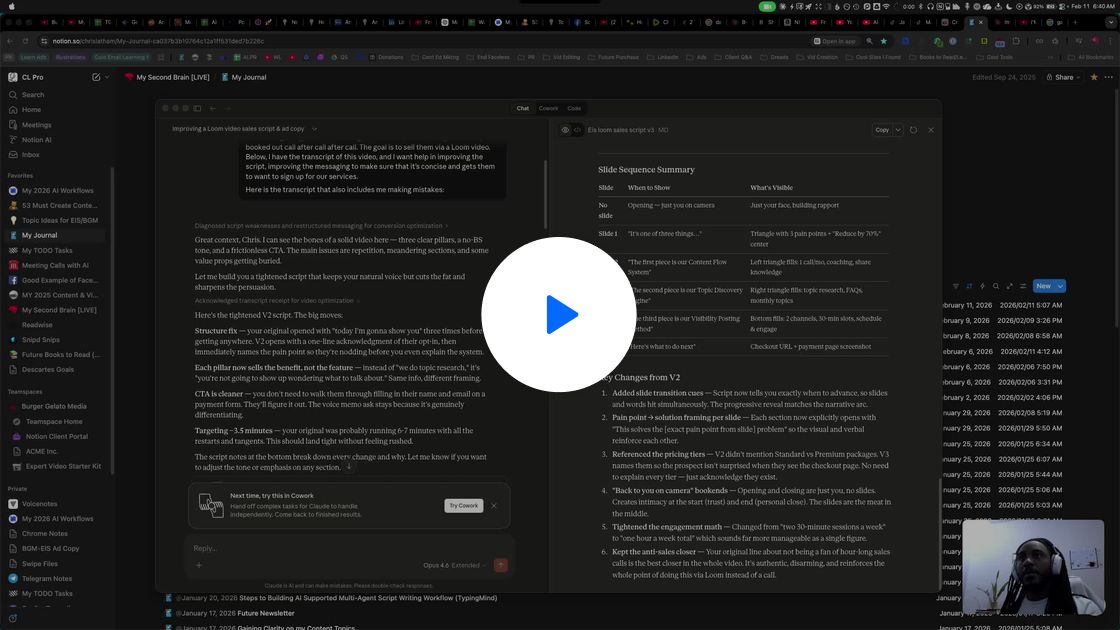
Slide Decks into Marketing Assets with Claude
I show how I fed a video script and slide deck into Claude, and it automatically converted the slides into readable images to generate feedback, ad copy, and campaign assets. This highlights how AI can adapt to messy inputs and still produce structured, usable marketing outputs.
Video Walkthrough:

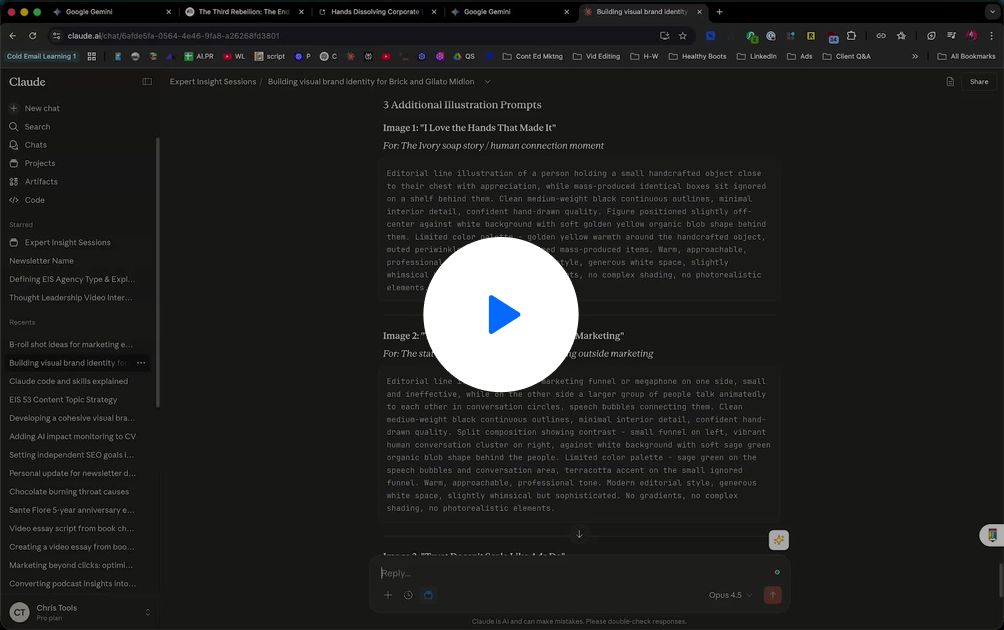
Slide Decks & Blog Visuals with NotebookLM
I walk through how I turned a blog post into a polished, visually consistent slide deck using AI, no design skills required. This opens up a powerful way to quickly create branded visuals, carousels, and blog images that actually look professional and cohesive.
Video Walkthrough:

NotebookLM Outputs into Editable Canva Graphics
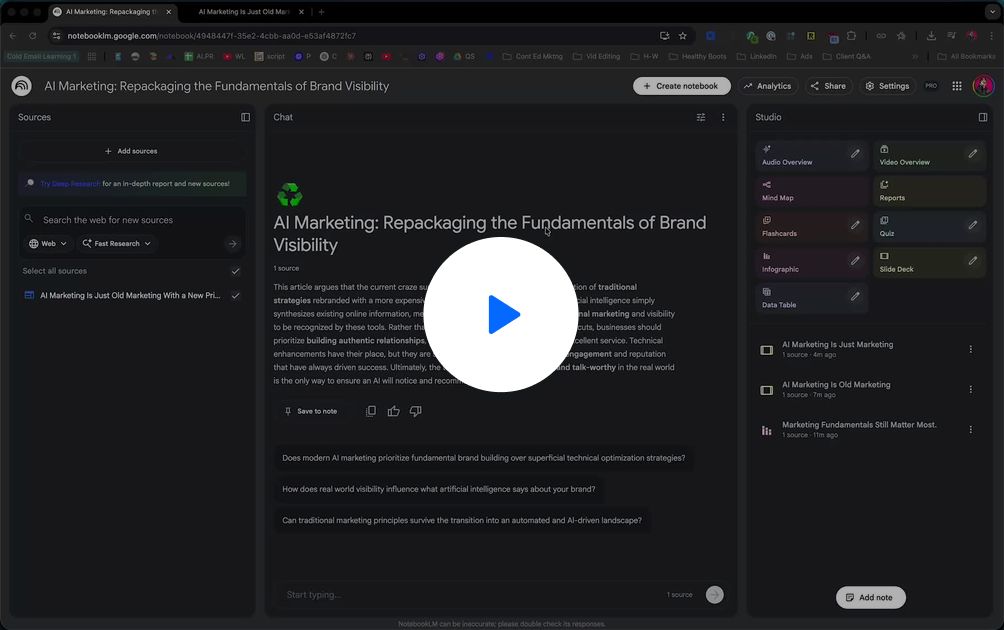
I show how to take a slide deck generated from NotebookLM and bring it into Canva to fully edit, extract, and refine the visuals and text. This unlocks an easy workflow for turning AI-generated outputs into polished, reusable graphics for blogs, presentations, and social content.
Video Walkthrough:

Consistent Blog Visuals with NotebookLM
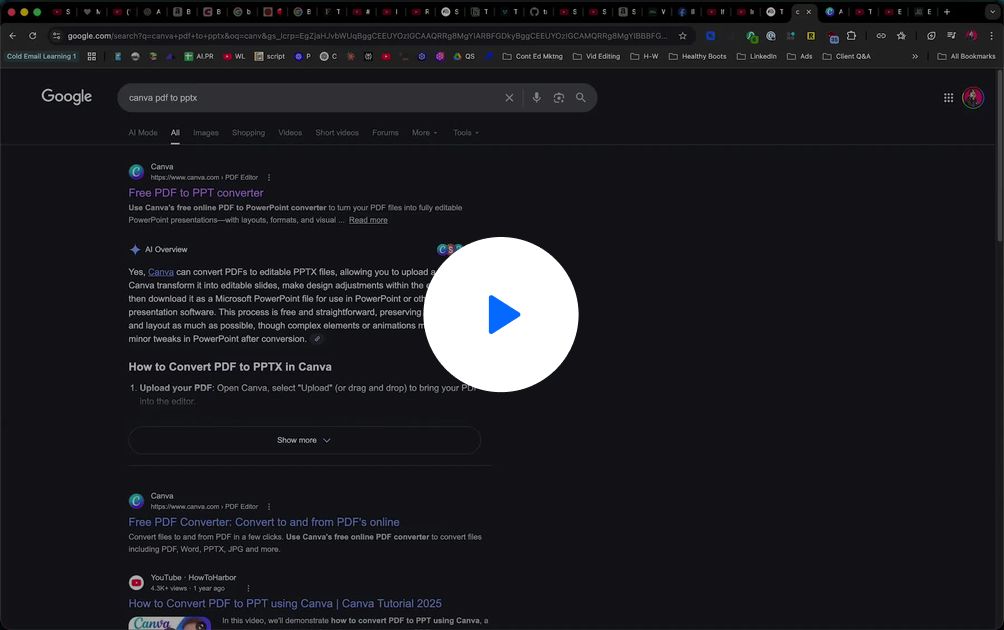
I show how I used a simple prompt inside NotebookLM to turn a blog/video into a visually consistent, high-quality slide deck. This opens up a fast way to generate branded blog images and social carousels, even if you have zero design skills.
Video Walkthrough:

Personal Fitness App with Claude Code
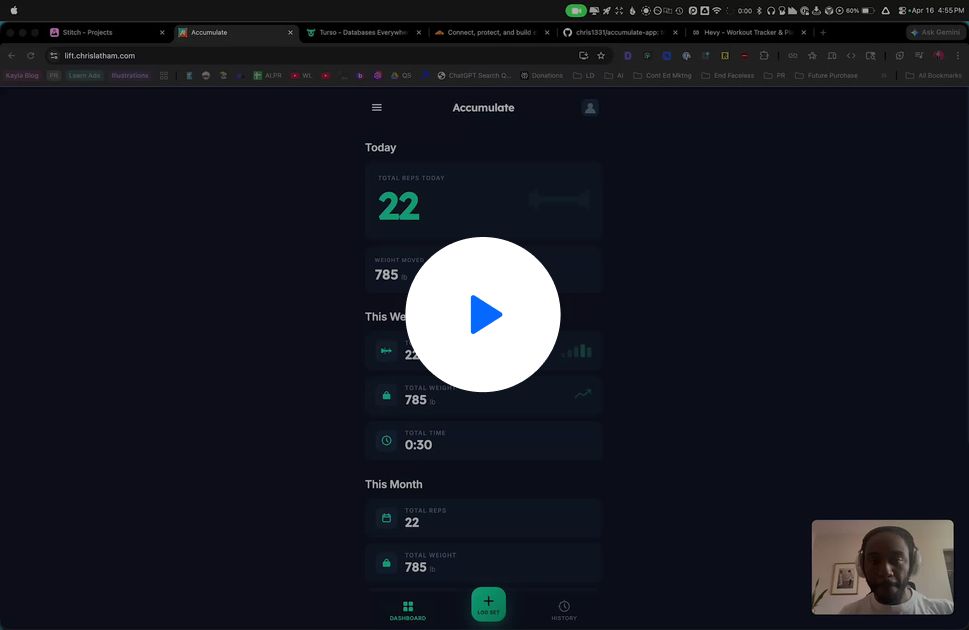
Built a custom fitness tracking app tailored to how I actually work out (quick sets throughout the day vs. structured sessions), with logging, daily totals, and historical tracking by day/week/month. End-to-end was handled with AI, from PRD creation to UI design to deployment and security checks, so it’s a fully private, purpose-built alternative to paying for bloated fitness SaaS.
 Chris Latham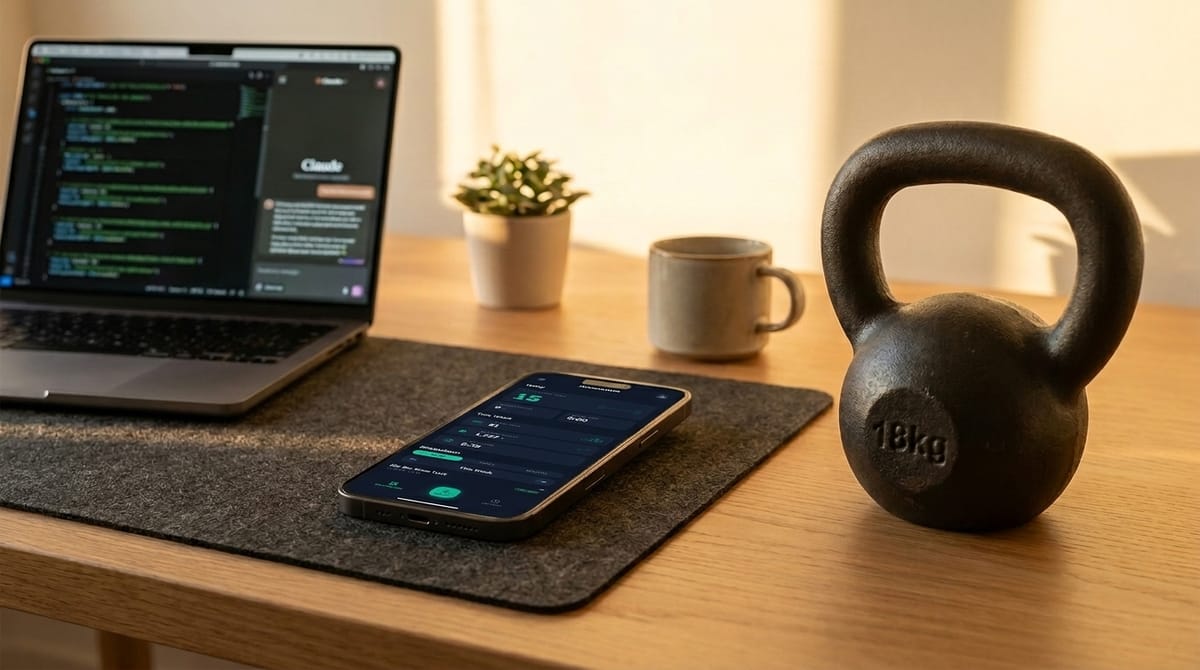
Tools used:
- Claude Chat & Code
- Open AI Codex
- CloudFlare
- gitHub
- Turso for Database
- Stitch with Google
Video Walkthrough:

My Community recommendation: The Vibe Marketers
The Vibe Marketers
A community I'm actually in, and actually active in.
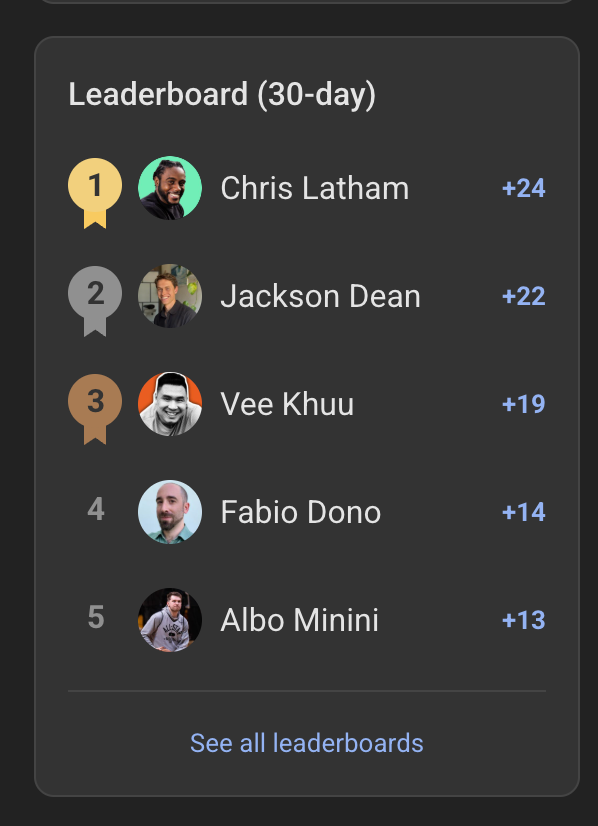
I'm not just recommending it, I'm at the top of it.
That leaderboard tracks real engagement over 30 days. I've been showing up, asking questions, sharing resources, and getting genuine value back.
What's inside
-
Weekly live calls
Regular sessions with real humans, not just async content drops
-
Guest speakers
Practitioners sharing what's actually working right now
-
Training sessions
Structured learning built for people building real businesses
-
Active members
People who actually share, help, and engage, not just lurk
Heads up, that's an affiliate link. I only recommend communities I'm genuinely in and getting value from. This is one of them.